Most small firms don’t lose time in one big lump. They lose it in five-minute slivers, all day, every day. A form typed up from paper. A job sheet that’s gone walkabout. The end-of-day catch-up that somehow eats an hour. None of it feels like much on its own. Add it up across a team and a month, and you’re paying good money for work nobody wanted to do.
Digitising your admin means taking those repetitive jobs off paper and out of people’s heads, and putting them into a system that handles the boring parts for you. Every owner’s first question is the right one. Is it actually worth it? Here’s where the hidden time usually hides, a real example with real numbers, and a simple way to work out your own saving.
Re-keying the same information
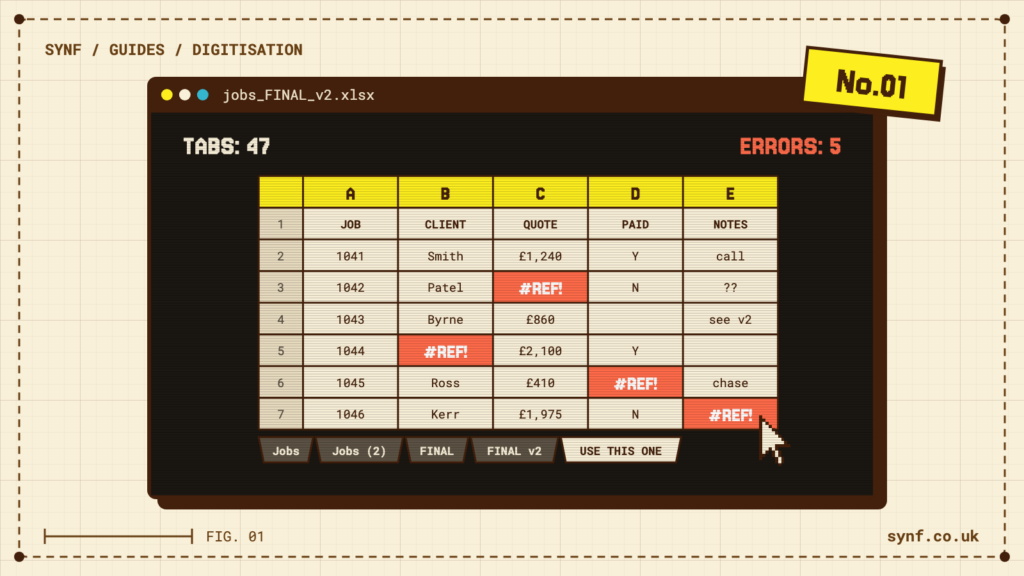
You write it once on a paper form. Someone types it into a spreadsheet. Then it’s copied again into your accounts or your CRM. Same details, three times over, and every hop is a fresh chance to fat-finger a postcode or a price. A digital form captures it once and sends it everywhere it needs to go.
Chasing paper
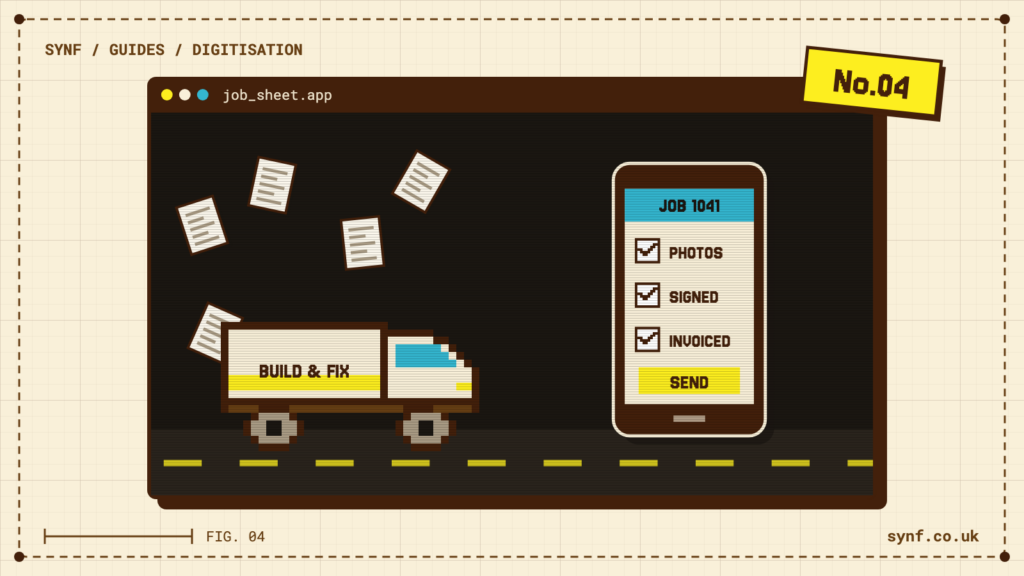
Job sheets, delivery notes, timesheets, signed dockets. On paper they live in a van, a jacket pocket or a pile on someone’s desk until they surface. Until they do, nobody can invoice, plan the next day or answer the customer. When the same information sits in an app, it’s there the second it’s entered.
Finding things again
How long does it take you to answer ‘what happened on that job back in March?’ If the honest answer is ‘give me ten minutes and I’ll dig out the file’, that ten minutes happens over and over, every week. A search box replaces the digging.
Fixing errors
A mistyped number. A missed tick-box. A form that came back half filled in. Every error has to be spotted, queried and put right, usually by someone who then has to track down whoever made it. A good digital form stops a lot of this at the source. It won’t let a required field go blank, and it can flag an odd-looking entry before it’s saved.
The end-of-day write-up
This is the big one, and it’s the one people underestimate. Work happens all day. Then at the end of it, someone sits down and writes up what happened. That gap between doing the work and recording it is pure overhead. It’s also where our clearest example comes from.
A real example: Long Lane Deliveries
Long Lane run a fleet. A driver’s day means a vehicle walk-round check, load checks, the deliveries and collections themselves, and defect reporting when something’s wrong with the vehicle. All of it used to feed into an end-of-shift debrief back at the office, worked through on paper by hand.
We put the whole shift on one app. The walk-round, the load checks, the drops and collections, the defects, all captured on the driver’s phone as the shift goes. By the time a driver pulls back in, the office already has the picture.
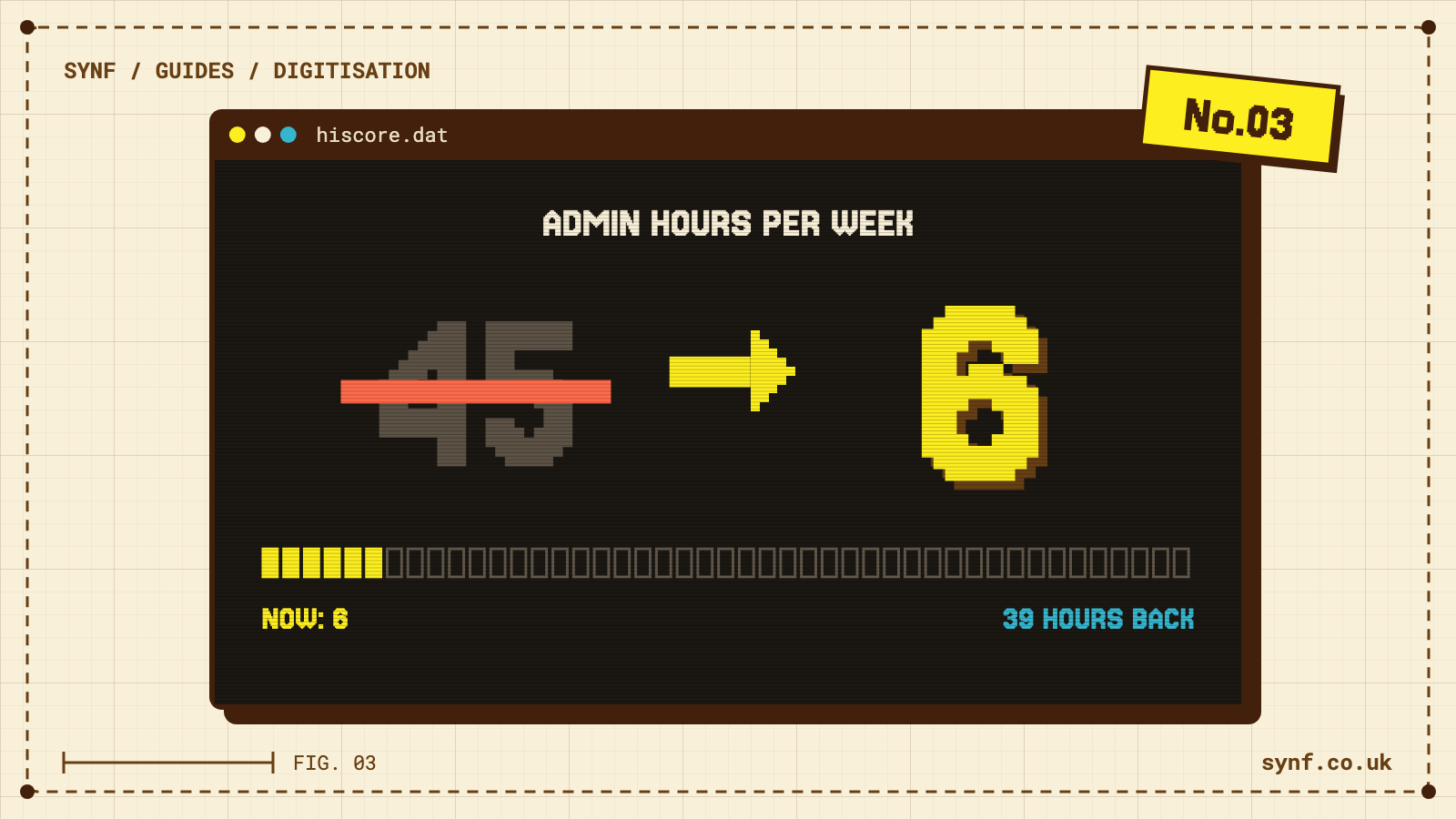
Their end-of-shift debrief went from about 45 minutes to about 6.
That’s roughly 39 minutes back, per driver, per day. Do the simple maths on it:
- One driver, one day: 39 minutes.
- One driver over a five-day week: about 3 hours 15 minutes.
- A ten-van operation over a week: more than 32 hours. That’s the best part of a full working week, recovered, every week.
Your numbers won’t be these numbers. The ten-van figure is only an illustration, and every operation is different. The point is the method. A small saving, multiplied by people and days, turns into something you can feel on the rota.
The same idea off the road: W.M. Montgomery & Sons
W.M. Montgomery & Sons were running jobs on paper work-orders. The office had one version of events, the field had another, and the two only met when the paperwork came back in. We swapped the paper for a live job-tracking system, so the office and the crew on site work from the same picture as the day unfolds. There’s no end-of-day reconciliation, because there’s nothing left to reconcile.
How to estimate your own saving
You don’t need a consultant to get a rough figure. You need a stopwatch and an honest half hour.
- List the repetitive admin. The jobs that happen every day or every single job: writing things up, copying between systems, chasing missing paperwork.
- Time one of them honestly. Not the quick version you’d do to prove a point. The real one, interruptions and all.
- Multiply it out. Time saved per task, times the number of people who do it, times the days a week they do it. That’s your weekly figure. Then scale it across the weeks you actually work in a year.
If you’d rather not do the sums by hand, our free savings calculator walks you through the same steps and does the multiplying for you.
Two honest caveats. These are real examples, not guarantees, and your process is your own. And digitising a bad workflow just gets you a faster bad workflow, so it pays to get the process right first. Done properly though, the saving isn’t the flashy part. It’s the quiet part. The write-up that used to eat someone’s evening just stops being a job.
Want to see what it might add up to for your team? Try the calculator, or read more about how we approach Business Digitisation.