Your booking system is the quiet engine behind a clinic. Get it right and patients turn up, records are where you left them, and the front desk isn’t firefighting all day. Get it wrong and you lose slots to no-shows, chase paperwork across three different apps, and let genuine enquiries slip through.
If you’re weighing up how to handle bookings and patient records, here’s what matters and how to tell when a simple tool will do the job versus when it’s worth building something around how your clinic actually runs.
What a good booking system does for a clinic
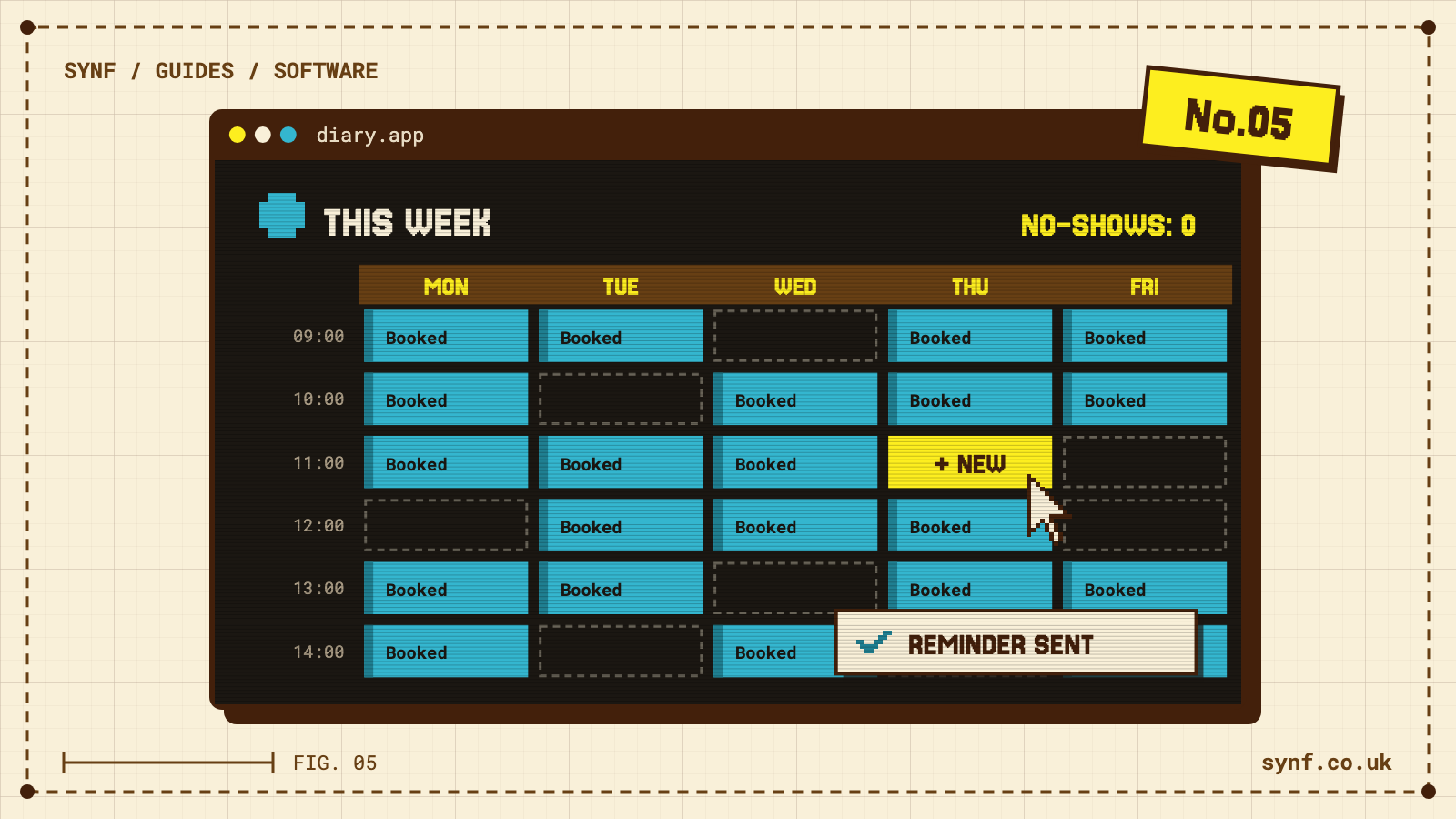
The first thing to sort is online self-booking. Patients want to book in the evening without phoning, so a page where they choose a practitioner, see real availability and confirm in a minute takes pressure off reception and fills slots you’d otherwise lose. Pair it with automatic reminders. A no-show costs you the slot and the income, and a text or email the day before, with an easy way to confirm or move the appointment, brings a good number of those people back into the diary.
Then there’s where everything lives. Patient details, appointment history, notes and correspondence belong together, not spread across a booking app, a spreadsheet and someone’s inbox. Fewer copies of sensitive information means fewer ways to lose track of it, and it’s much easier to keep patient data secure when it sits in one system with proper access controls. Rescheduling should be simple too, so a patient or a member of staff can move a booking without a phone call and a rewritten diary.
Two things often get forgotten. The first is enquiry follow-up. Not everyone books on the spot. Someone asks about a treatment, then goes quiet, and without a nudge that warm interest cools in an inbox. The second is a clear record of who did what. When you can see who booked, moved or cancelled an appointment and who last updated a record, you stop guessing and start sorting the actual issue.
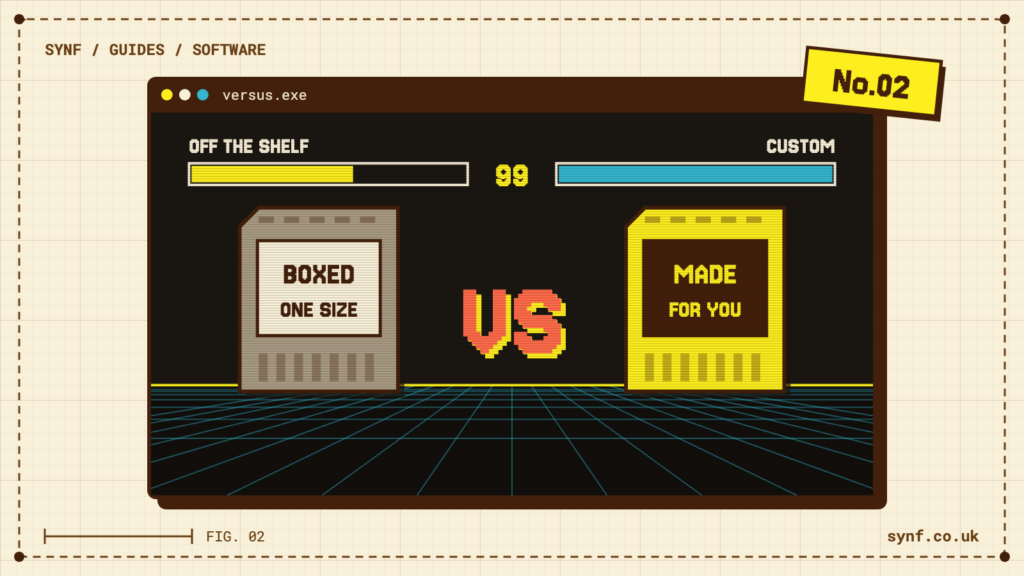
Off-the-shelf or something built for you?
An off-the-shelf booking tool is a sensible place to start. It’s quick to set up, it’s cheap, and for a single practitioner with a straightforward diary it might be everything you need for a long time. Don’t over-build before you have to.
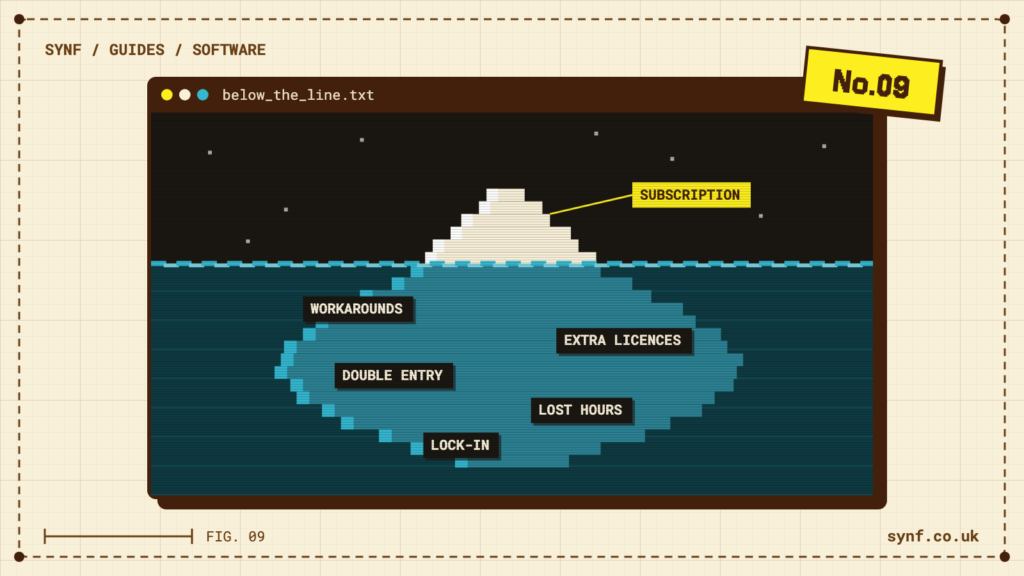
The limits show up as you grow. Off-the-shelf tools expect you to work the way they were built. Once your clinic has its own way of doing things, several practitioners or more than one location, you start bending your process to fit the software, or bolting on extra apps that don’t talk to each other. That’s when you end up with bookings in one place, records in another and admin in a third, re-typing the same details and hoping nothing falls between them.
A bespoke system earns its keep when you want those things joined up. Bookings, patient records and the day-to-day running of the clinic in one place, working the way your team already works. It costs more up front, so it makes sense once the manual workarounds are costing you real time or the risk of a mistake with patient data is keeping you up at night.
That’s the route Muscle Injury Clinic took. They came to us needing to manage patients and the day-to-day running of the clinic in one place, so we built them a bespoke CRM that holds their patient records and drives the clinic’s workflow, rather than leaving them to juggle separate tools. It’s the sort of software for clinics and healthcare that fits the practice instead of the other way round.
A short checklist before you commit
Whichever way you lean, take any system you’re considering and run it past these questions.
- Can patients book themselves online, see genuine availability and pick the right practitioner?
- Does it send reminders automatically, and let people confirm or reschedule without ringing you?
- Are patient records, history and notes kept in one place, with access controls over who can see what?
- Is sensitive data stored securely, and is it clear where it’s held and who can reach it?
- Can staff and patients move an appointment easily without creating a mess in the diary?
- Does it capture enquiries and prompt a follow-up so none go cold?
- Can you see who did what, from bookings to record changes?
- Will it still fit when you add a practitioner, a location or a new way of working?
If your current setup is starting to creak, or you’d rather join up bookings, records and admin from the start, we’ll help you work out what’s right for your clinic. Take a look at our software for clinics and healthcare, or get in touch for a straight conversation about your options.