Spreadsheets are brilliant. Cheap, familiar, and they’ll do almost anything you ask. Most businesses run on them for years and never hit a wall. But there’s a point where the tool that got you here starts to hold you back, and it’s rarely obvious from the inside. The costs creep in quietly: a bit of wasted time here, a wrong number there, a late night spent fixing a file someone broke.
Here are five signs you’ve reached that point, and what to do about each one.
Sign 1: You’re never sure which version is the right one
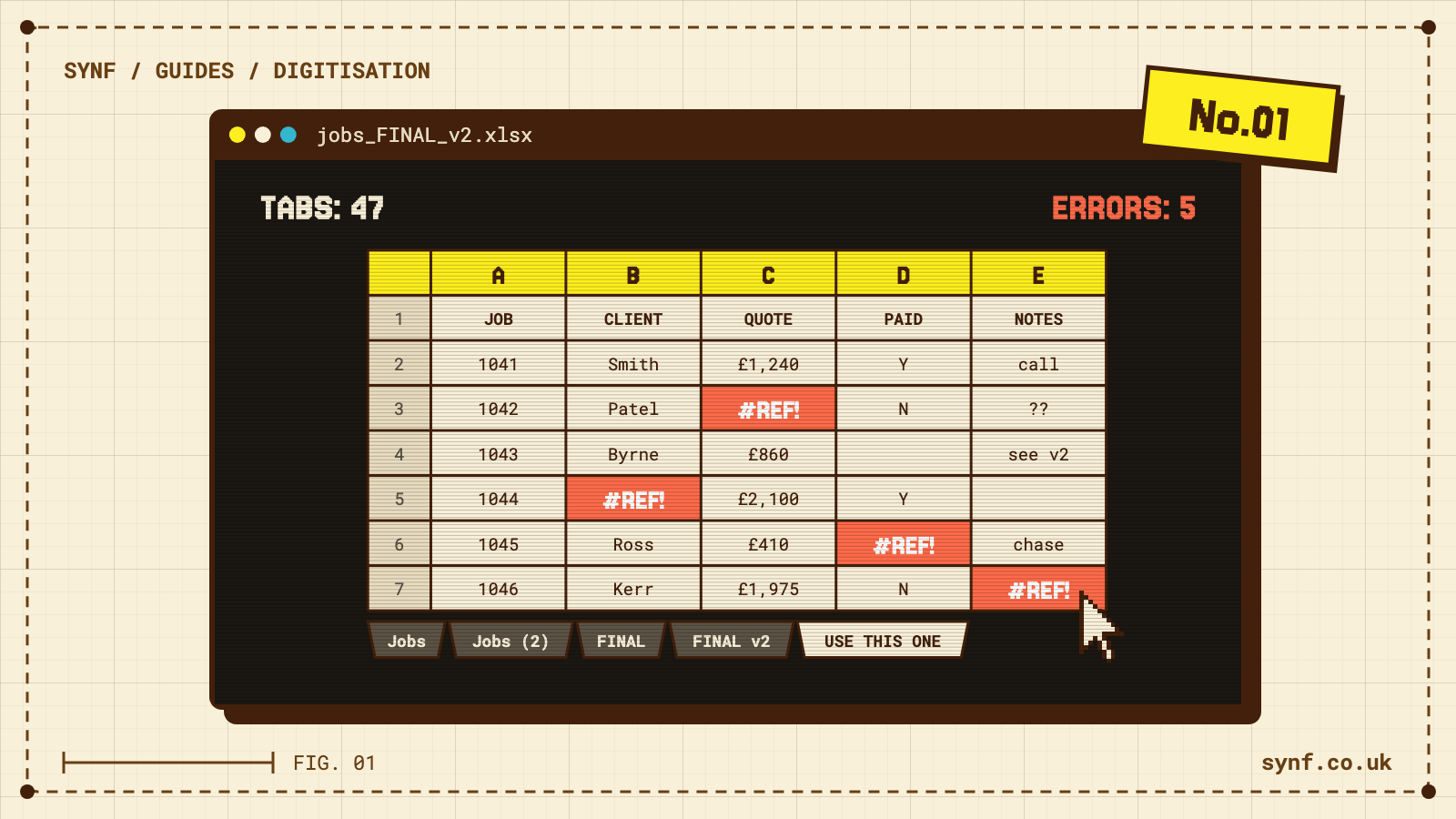
You’ve got budget_final.xlsx, budget_final_v2.xlsx and budget_FINAL_use_this_one.xlsx. Someone emails a copy, edits it, and emails it back. Meanwhile two other people have changed the original. Now there are three versions and no way to merge them without checking cell by cell.
This is usually the first crack, and it means the spreadsheet is being shared by more people than it was ever built to hold.
What to do: put the data somewhere with a single source of truth, so everyone reads and writes to the same record instead of passing copies around. A shared cloud sheet helps in the short term. A proper system with one central database fixes it for good.
Sign 2: Your team spends hours re-typing the same data
An order comes in by email. Someone types it into a spreadsheet. Then they type the same details into your accounts package, then again onto a delivery note. The same customer name and address, keyed three times, three chances to mistype a postcode.
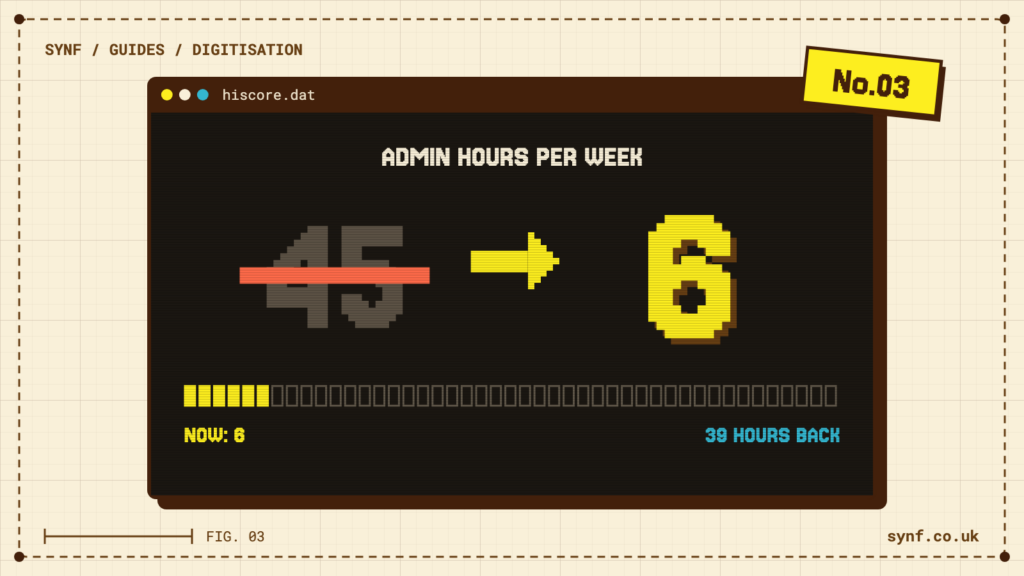
Re-keying is one of the biggest hidden costs in a small business because it looks like normal work. It isn’t. It’s a job a computer should be doing while your people get on with something that actually needs a human.
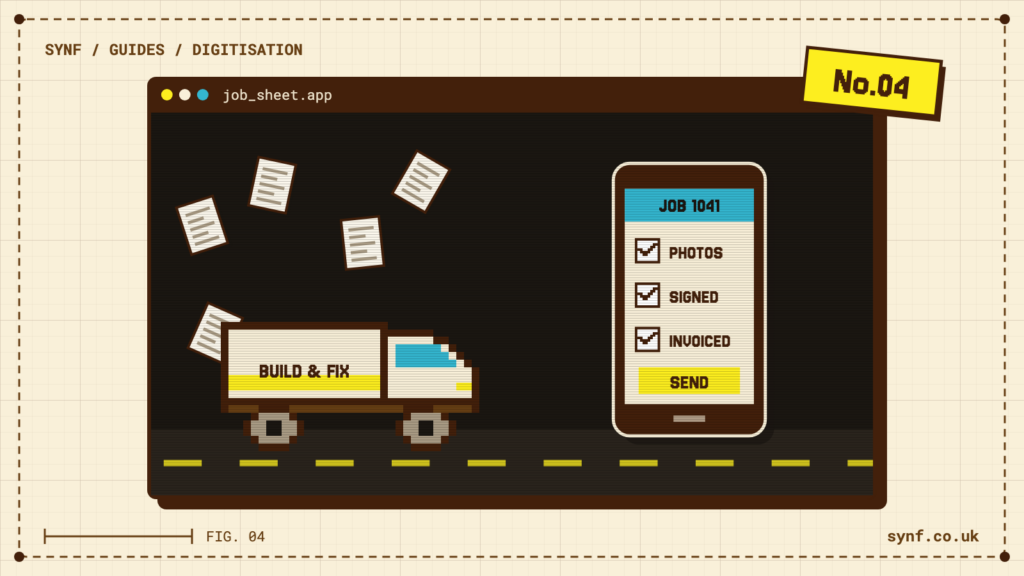
What to do: connect the systems so the data flows once. When two tools can’t talk to each other, that gap is usually where a small piece of software pays for itself fastest. This is the heart of digitising how your business runs. Enter something once and let it appear everywhere it’s needed.
Sign 3: Mistakes are slipping through, and you can’t trace them
A price gets typed wrong and you quote a job at a loss. A formula gets dragged one row too far and the totals are off for a month before anyone notices. Someone deletes a column by accident and nobody is sure what was in it.
Spreadsheets don’t argue. They’ll accept a negative quantity, a date in the wrong century, a number where a name should go. And when something does go wrong, there’s no record of who changed what or when, so you can’t roll it back and you can’t learn from it.
What to do: you want two things working together.
- Validation, so bad data gets stopped at the door instead of sitting quietly in a cell.
- An audit trail, so every change is logged against a person and a time, and a mistake can be undone instead of hunted for.
Both come as standard in a purpose-built system, and both claw back the money that small errors quietly drain away.
Sign 4: It all falls apart when one person is off
There’s usually one person who really understands the spreadsheet. They built it. They know which tabs matter and which formulas not to touch. When they’re on holiday, off sick, or working their notice, the whole thing turns into a black box and nobody else dares change it.
That’s a real risk sitting in a single file on one laptop. If the knowledge to run a core part of your business lives in one person’s head, you don’t own that process. They do.
What to do: get the logic out of the spreadsheet and into a system that documents itself, where the rules are set up once and anyone with the right access can use it without a manual or a phone call. You want a process the business owns, not one that owns you.
Sign 5: It can’t keep up now you’re growing
A spreadsheet that was fine at fifty rows starts to crawl at fifty thousand. It takes an age to open, freezes when two people are in it at once, and you’re nervous about adding another tab in case the whole thing gives up. So you split the data across separate files by month or by region just to keep it usable, which drags you straight back to Sign 1.
What to do: this is the clearest signal of the lot. When the tool is actively slowing the work down, it’s time to move to something built to scale. A database handles hundreds of thousands of records without blinking, and it grows with you instead of fighting you.
None of this makes spreadsheets the enemy. They’re the right tool for a quick sum or a one-off list. The trouble starts when you ask them to run your business long after they’ve stopped being up to the job. If two or three of these signs feel familiar, it’s worth a proper look at Business Digitisation and what moving the work into a system built for it would really involve. You can also estimate what you’d save with our free calculator, which gives you a rough figure before you commit to anything.